
Sjj1024/PakePlus
English 简体中文 日本语

PakePlus
Turn any webpage into a desktop or mobile app in just 9 minutes. Simple and easy to use.
https://github.com/user-attachments/assets/b88bf541-0b26-4020-9eec-da79e1734fc9
Features
- 🎐 About 20 times smaller than Electron packages (approximately 5MB!)
- 🚀 Powered by Rust and Tauri, PakePlus is lighter and faster than JS-based frameworks.
- 📦 Rich built-in feature packs—supporting shortcuts, immersive windows, and minimal customization.
- 👻 PakePlus is just a simple tool—using Tauri to replace older packaging methods (even though PWA is often sufficient).
- 🤗 PakePlus is easy to use; all you need is a GitHub Token to get a desktop app.
- 🌹 No need to install complex dependencies locally; use Github Action for cloud-based auto-packaging.
- 🧑🤝🧑 Supports internationalization, user-friendly for a global audience, and it follows your system language automatically.
- 💡 Supports custom js injection. you can write your own js code to inject into the page.
- 🎨 ui is more beautiful, more comfortable to use.
Popular Packages
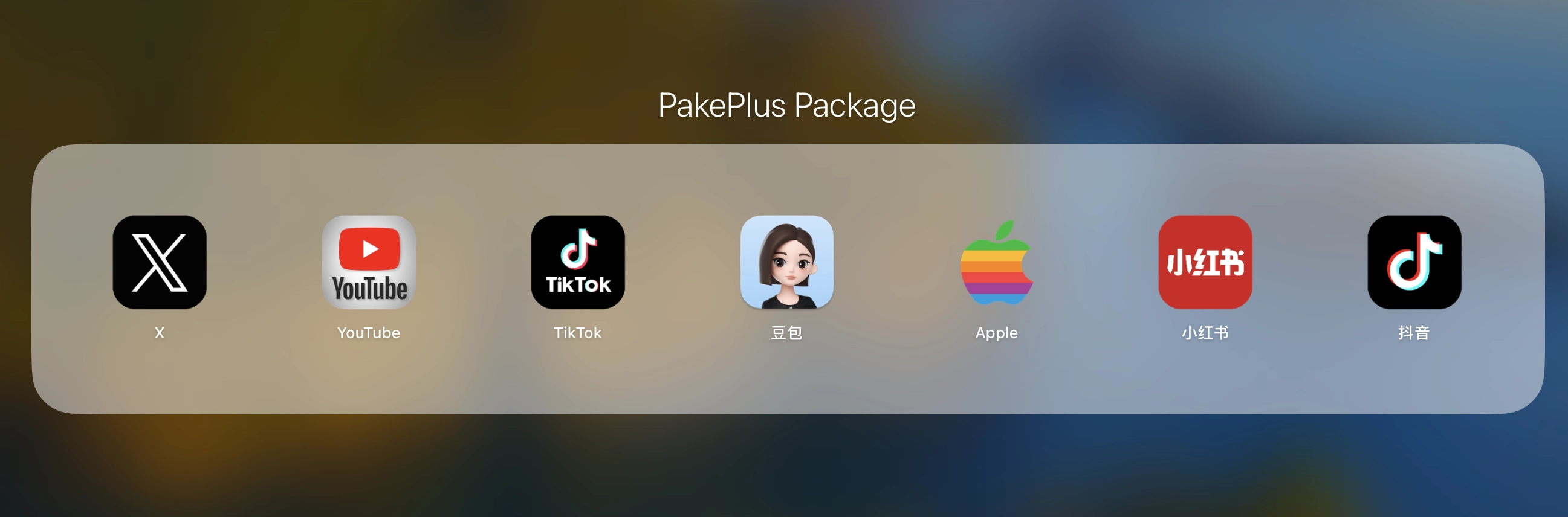
PakePlus supports installation packages for both ARM and Intel architectures. Most popular program installation packages only include the ARM architecture for macOS and the Intel architecture for Windows. If you need installation packages for additional architectures, please use PakePlus to compile the required package separately.
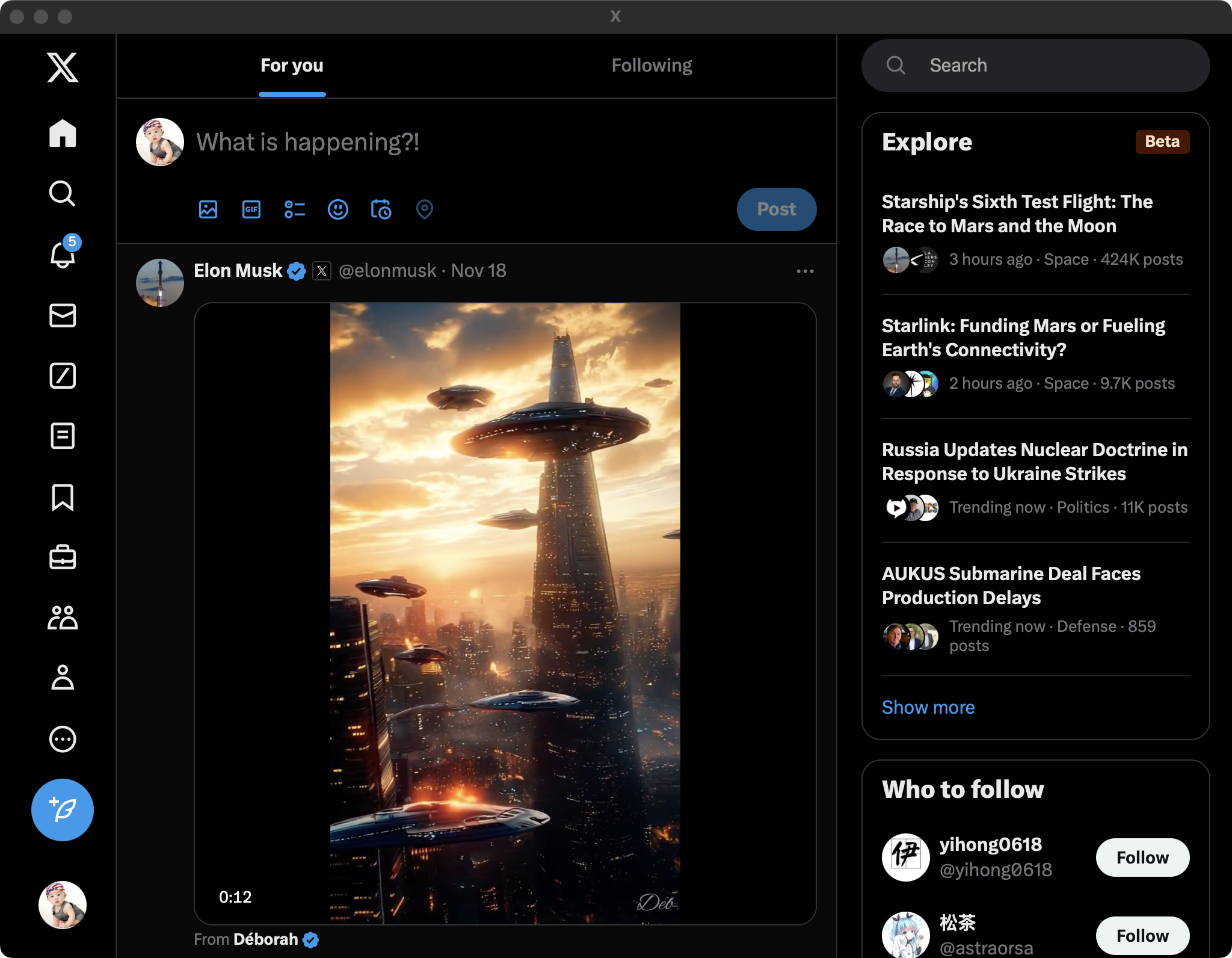
| DeepSeek Mac Windows Linux | X (Twitter) Mac Windows Linux |
 |
 |
| YouTube Mac Windows Linux | 小红书(Red Book) Mac Windows Linux |
 |
 |
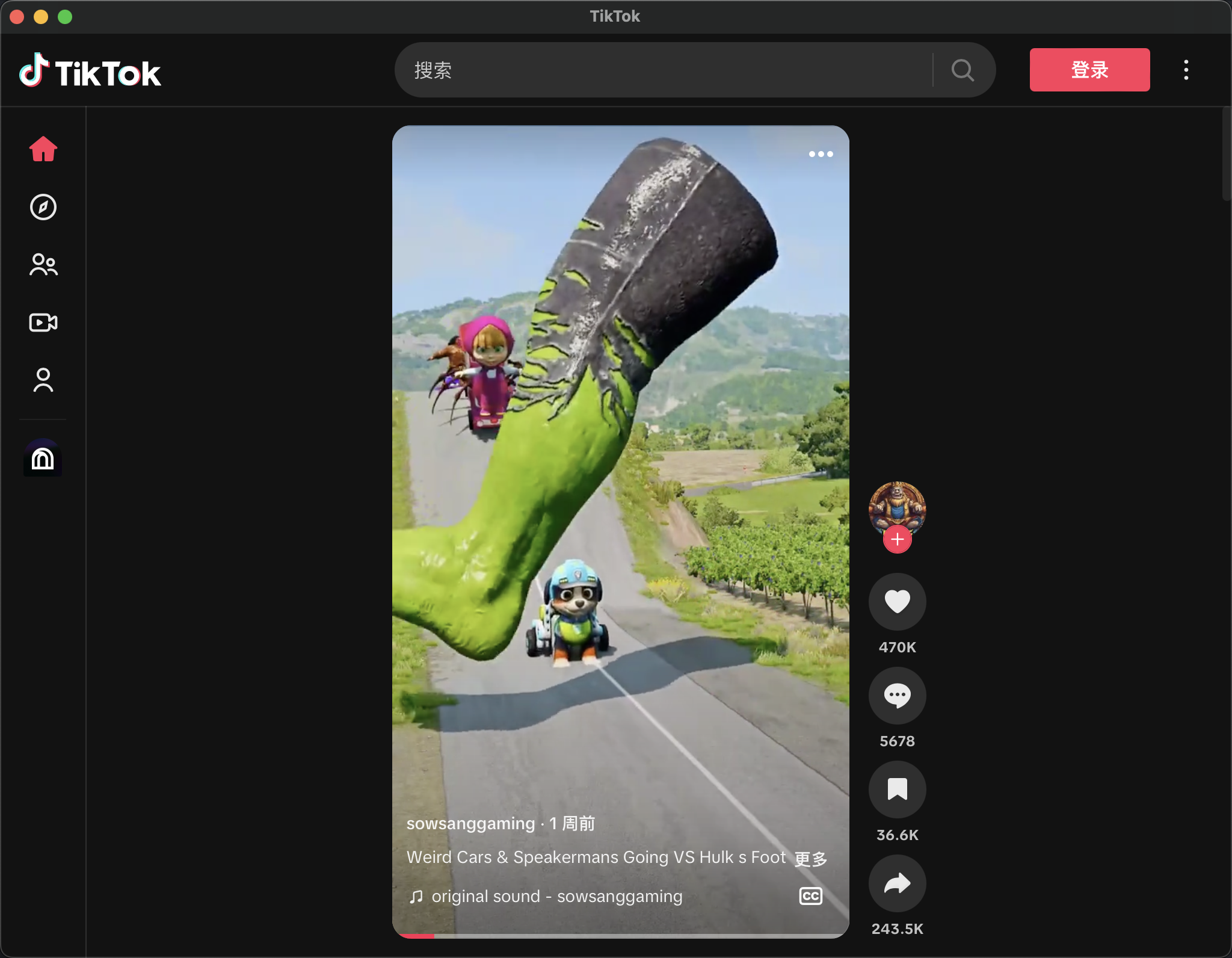
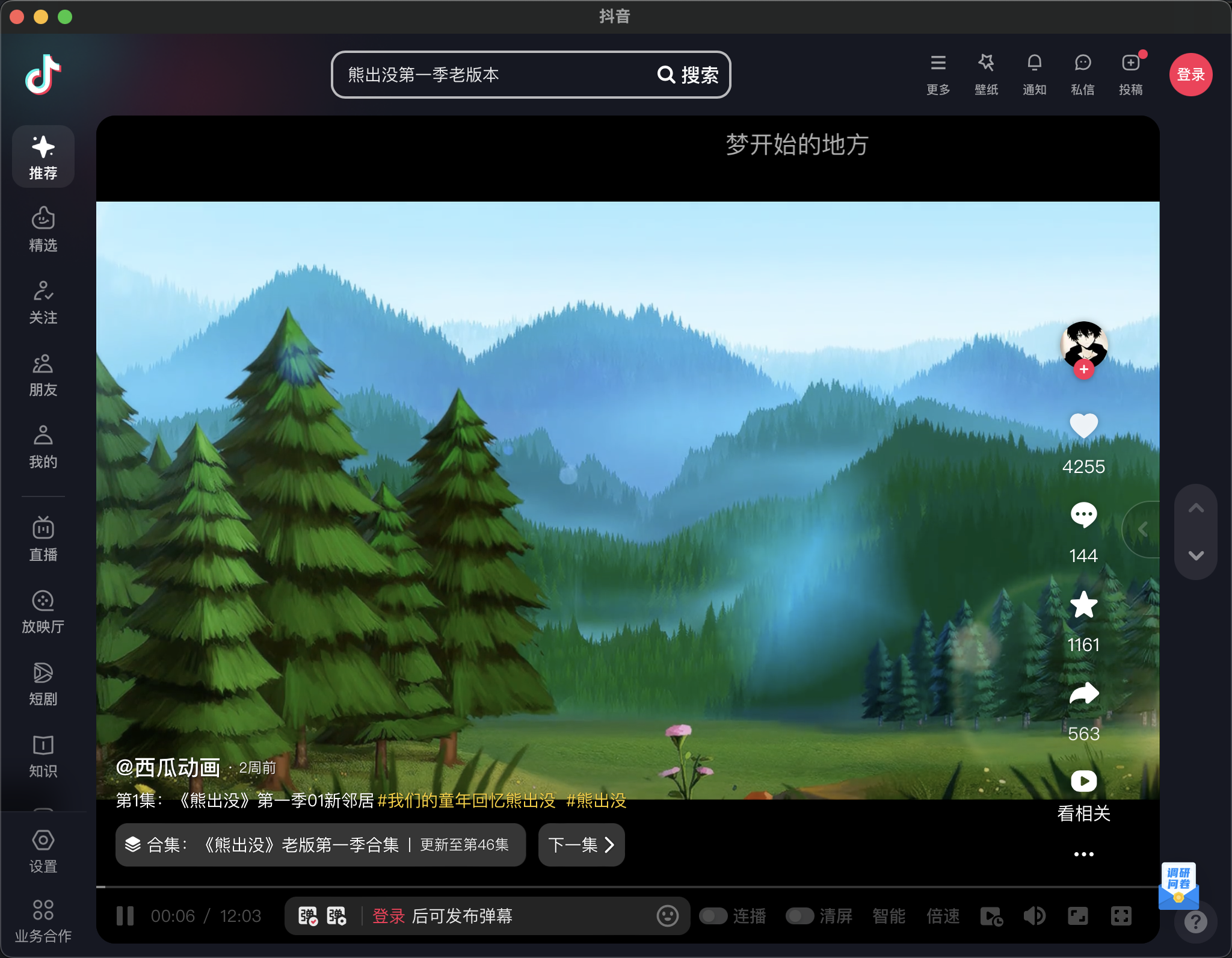
| Tiktok Mac Windows Linux | 抖音 Mac Windows Linux |
 |
 |
Getting Started
- Download the app from the release page:https://github.com/Sjj1024/PakePlus/releases, double-click to install, and run the app.
- Configure a Github Token, create a new project, and set up the configurations. get token guide: English 简体中文日本语
|
|
- You can preview the app in a new window and click the publish button to package the app.
- You can download the app from the release page.
FAQ
- Mac users may see an “App is damaged” warning on installation. click cancel and Run the following command, then reopen the app:
|
|
- When you package the app, Mac users may see an “App is damaged” warning on installation. click cancel and Run the following command, then reopen the app:
|
|
-
If you encounter any issues while using the program, please download the latest version, as versions developed before 2025 were based on Tauri v1.0. In 2025, Tauri was upgraded to v2.0. If the latest version still has issues, please submit an issue with detailed information so that we can update and resolve it more quickly.
-
After you add the GitHub Token, PakePlus will fork a PakePlus repository into your own repository. All your future projects will rely on this repository for creation and compilation, so please do not delete your PakePlus repository.
Developing PakePlus
If you want to develop PakePlus locally, ensure your environment is prepared beforehand. Make sure Rust >=1.63 and Node >=16 (e.g., 16.18.1) are installed on your computer. For installation guidance, please refer to the Tauri Documentation.
If you’re unfamiliar with these, it’s best to try the one-click packaging tool above.
|
|
Support
- wechat and group


- If PakePlus has brought joy to your life, feel free to support it.

TODO
- add auto update feature
- support build android apk and build ios ipa
- add upload front build dist to build