
Fincept-Corporation/FinceptTerminal
Fincept Terminal










Your Thinking is the Only Limit. The Data Isn’t.
State-of-the-art financial intelligence platform with CFA-level analytics, AI automation, and unlimited data connectivity.
📥 Download · 📚 Docs · 💬 Discussions · 💬 Discord · 🤝 Partner

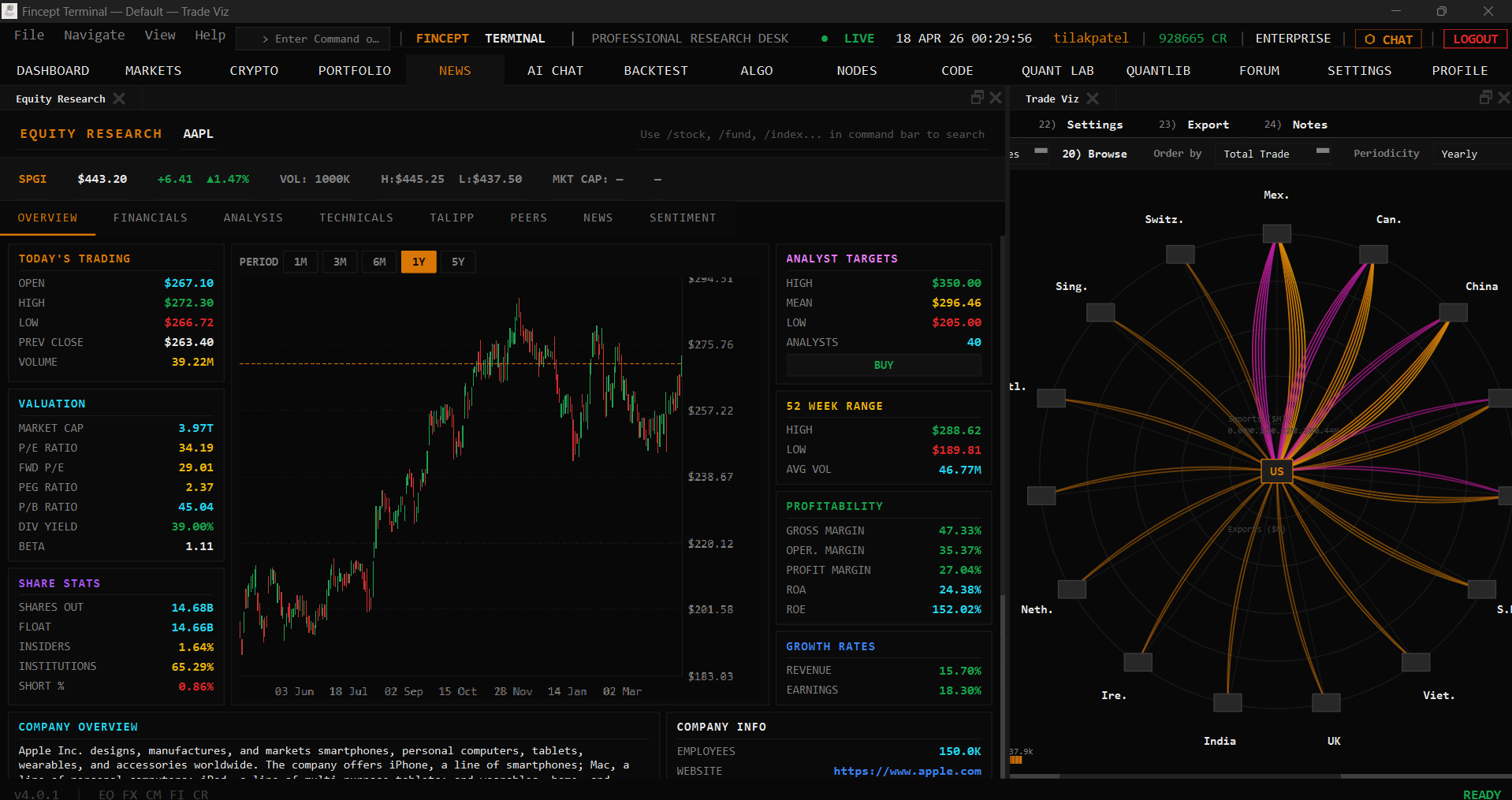 Equity Research |
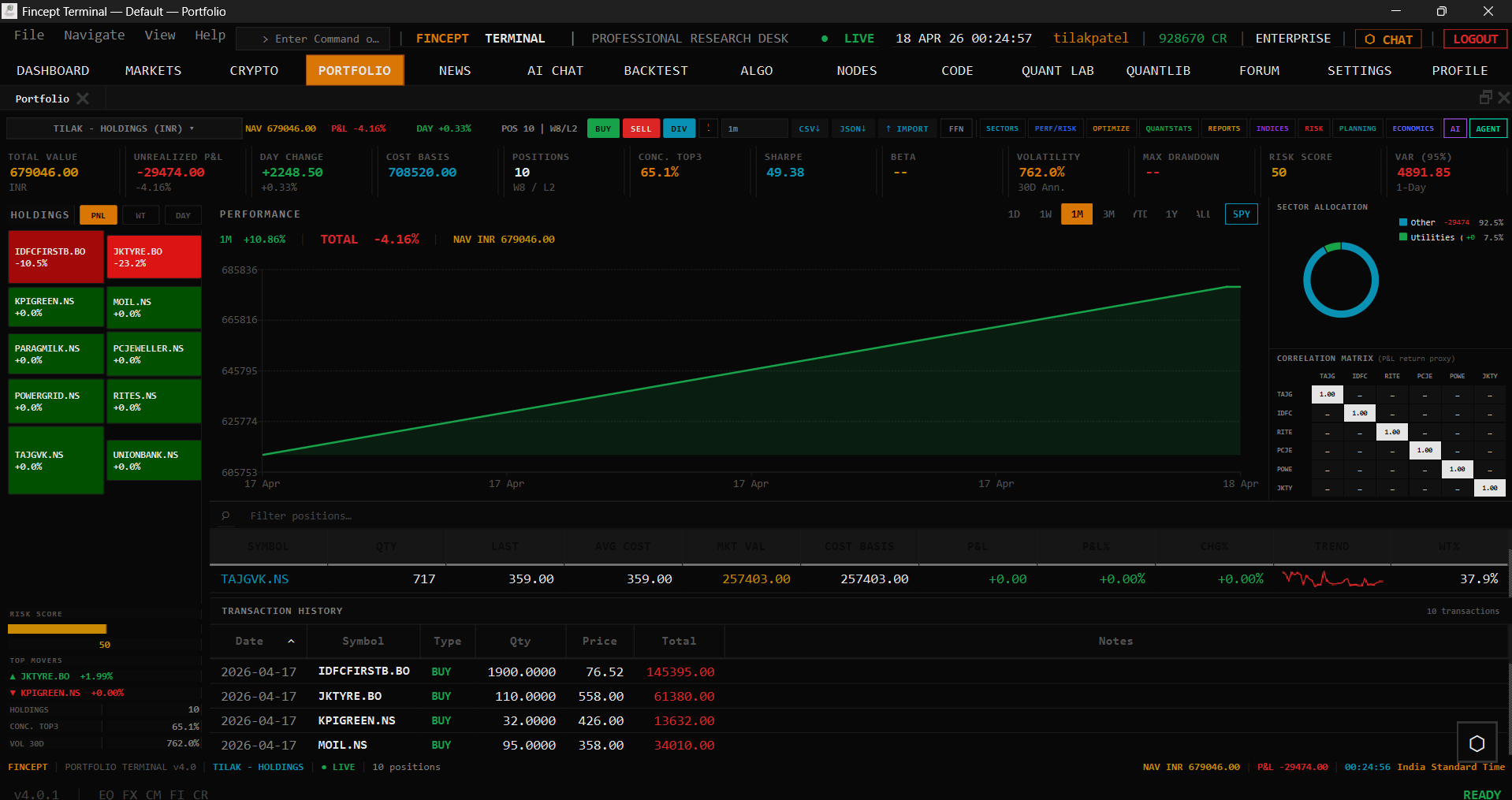 Portfolio |
 News |
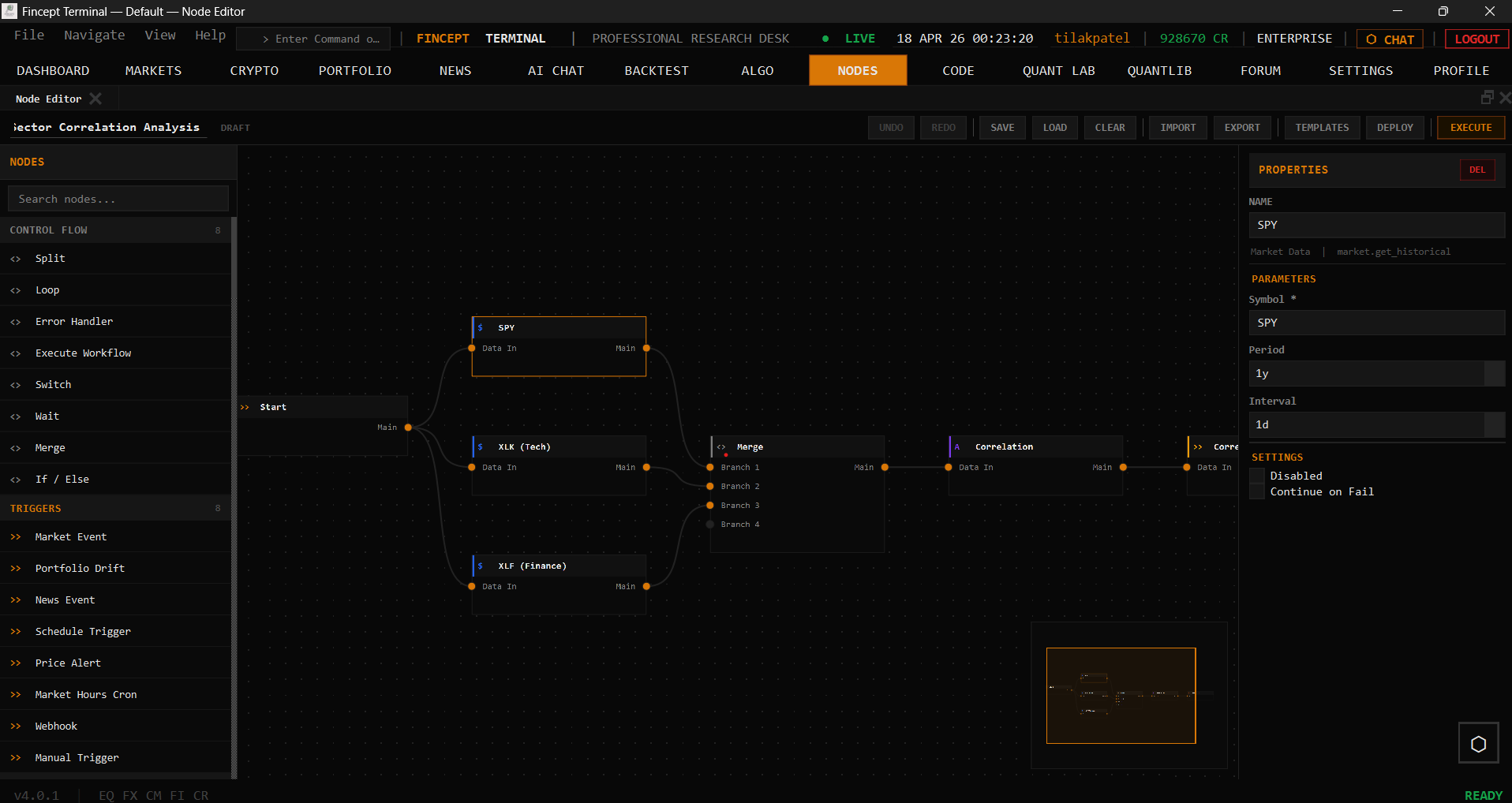 Node Editor |
About
Fincept Terminal v4 is a pure native C++20 desktop application. It uses Qt6 for UI and rendering, embedded Python for analytics, and delivers Bloomberg-terminal-class performance in a single native binary.
Features
| Feature | Description |
|---|---|
| 📊 CFA-Level Analytics | DCF models, portfolio optimization, risk metrics (VaR, Sharpe), derivatives pricing via embedded Python |
| 🤖 AI Agents | 37 agents across Trader/Investor (Buffett, Graham, Lynch, Munger, Klarman, Marks…), Economic, and Geopolitics frameworks; local LLM support; multi-provider (OpenAI, Anthropic, Gemini, Groq, DeepSeek, MiniMax, OpenRouter, Ollama) |
| 🌐 100+ Data Connectors | DBnomics, Polygon, Kraken, Yahoo Finance, FRED, IMF, World Bank, AkShare, government APIs, plus optional alternative-data overlays such as Adanos market sentiment for equity research |
| 📈 Real-Time Trading | Crypto (Kraken/HyperLiquid WebSocket), equity, algo trading, paper trading engine, 16 broker integrations (Zerodha, Angel One, Upstox, Fyers, Dhan, Groww, Kotak, IIFL, 5paisa, AliceBlue, Shoonya, Motilal, IBKR, Alpaca, Tradier, Saxo) |
| 🔬 QuantLib Suite | 18 quantitative analysis modules — pricing, risk, stochastic, volatility, fixed income |
| 🚢 Global Intelligence | Maritime tracking, geopolitical analysis, relationship mapping, satellite data |
| 🎨 Visual Workflows | Node editor for automation pipelines, MCP tool integration |
| 🧠 AI Quant Lab | ML models, factor discovery, HFT, reinforcement learning trading |
Installation
Option 1 — Download Installer (Recommended)
Latest release: v4.0.2 — View all releases
| Platform | Download | Run |
|---|---|---|
| Windows x64 | FinceptTerminal-Windows-x64-setup.exe | Run installer → launch FinceptTerminal.exe |
| Linux x64 | FinceptTerminal-Linux-x64.run | chmod +x → run installer |
| macOS Apple Silicon | FinceptTerminal-macOS-arm64.dmg | Open DMG → drag to Applications |
Option 2 — Quick Start (One-Click Build)
Clone and run the setup script — it installs all dependencies and builds the app automatically:
|
|
The script handles: compiler check, CMake, Qt6, Python, build, and launch.
Windows: No setup script — use the manual build steps in Option 4 below. It’s just two commands.
Option 3 — Docker (CI / Developer Environments)
Note: Docker is intended for CI/CD testing and development environments only. For the best experience, use the pre-built installers in Option 1 above. Docker requires Linux with X11. Windows and macOS are not supported.
|
|
Option 4 — Build from Source (Manual)
Versions are pinned. Use the exact versions below. Newer or older versions are unsupported and may fail to build or produce unstable binaries.
Prerequisites (exact versions)
| Tool | Pinned Version | Notes |
|---|---|---|
| Git | latest | — |
| CMake | 3.27.7 | Download |
| Ninja | 1.11.1 | Download |
| C++ compiler | MSVC 19.38 (VS 2022 17.8) / GCC 12.3 / Apple Clang 15.0 (Xcode 15.2) | C++20 required |
| Qt | 6.8.3 | Qt Online Installer |
| Python | 3.11.9 | python.org |
| Platform SDK | Win10 SDK 10.0.22621.0 / macOS SDK 14.0 (deploy 11.0+) / glibc 2.31+ | — |
Install Qt 6.8.3
Windows: Qt Online Installer → select Qt 6.8.3 > MSVC 2022 64-bit (install path: C:/Qt/6.8.3/msvc2022_64)
Linux: Qt Online Installer → Qt 6.8.3 > Desktop gcc 64-bit (install path: ~/Qt/6.8.3/gcc_64). Or for system packages, install qt6-base-dev qt6-charts-dev qt6-tools-dev qt6-base-private-dev libqt6websockets6-dev libgl1-mesa-dev — note system packages may be a different 6.x minor.
macOS: Qt Online Installer → Qt 6.8.3 > macOS (install path: ~/Qt/6.8.3/macos)
Build (using CMake presets — recommended)
|
|
Step 1 — Configure (one-time, or after CMakeLists.txt changes):
|
|
Step 2 — Compile (run this for every code change):
|
|
Debug variants: replace release with debug (e.g. win-debug, linux-debug, macos-debug).
Windows prerequisite: The PowerShell profile at
~/Documents/PowerShell/Microsoft.PowerShell_profile.ps1auto-initializes VS 2022 on every new terminal — open a fresh PowerShell and cmake works directly.
Build (manual — if presets can’t resolve your Qt path)
|
|
|
|
Run
|
|
Troubleshooting
- “Could not find Qt6 6.8.3” — verify
CMAKE_PREFIX_PATHpoints to the Qt 6.8.3 install, not 6.5/6.6/6.8. - MSVC version error — use VS 2022 17.8+ (MSVC 19.38+). Check with
cl /?. - Need to unblock with a different Qt minor? Pass
-DFINCEPT_ALLOW_QT_DRIFT=ON(local testing only — never for releases or CI). - Clean rebuild: delete
build/<preset>/and re-run configure.
What Sets Us Apart
Fincept Terminal is an open-source financial platform built for those who refuse to be limited by traditional software. We compete on analytics depth and data accessibility — not on insider info or exclusive feeds.
Recent builds also support optional Adanos Market Sentiment connectivity in Data Sources → Alternative Data. When configured, Equity Research can surface cross-source retail sentiment snapshots across Reddit, X, finance news, and Polymarket. Without an active Adanos connection, the feature remains dormant and the rest of the app behaves exactly as before.
- Native performance — C++20 with Qt6, no Electron/web overhead
- Single binary — no Node.js, no browser runtime, no JavaScript bundler
- CFA-level analytics — complete curriculum coverage via Python modules
- 100+ data connectors — from Yahoo Finance to government databases
- Free & Open Source (AGPL-3.0) with commercial licenses available
Roadmap
| Timeline | Milestone |
|---|---|
| Shipped | Real-time streaming, 16 broker integrations, multi-account trading, PIN authentication, theme system |
| Q2 2026 | Options strategy builder, multi-portfolio management, 50+ AI agents |
| Q3 2026 | Programmatic API, ML training UI, institutional features |
| Future | Mobile companion, cloud sync, community marketplace |
Contributing
We’re building the future of financial analysis — together.
Contribute: New data connectors, AI agents, analytics modules, C++ screens, documentation
Support the Project
We’ve launched a community token on pump.fun. Holding or trading this token is purely a way to show support for Fincept Terminal’s development — it has no utility inside the product, no governance rights, no revenue share, and no promised returns.
- pump.fun: https://pump.fun/coin/J7Xrcq6cX4GZ3mnQXvrsCYGQyijc9gSNZT4DSUijpump
- Solana mint address: 84zrRRB7eqF3G2zhsGsD7zk922kZw3LacxhjkSHZJXwK
This token exists solely to support the project. Fincept Corporation is not responsible for any profit or loss any participant incurs from buying, selling, or holding it. Trade at your own risk and only with funds you can afford to lose.
For Universities & Educators
Bring professional-grade financial analytics to your classroom.
- $799/month for 20 accounts
- Full access to Fincept Data & APIs
- Perfect for finance, economics, and data science courses
- CFA curriculum analytics built-in
Interested? Email support@fincept.in with your institution name.
License
Dual Licensed: AGPL-3.0 (Open Source) + Commercial
Open Source (AGPL-3.0)
- Free for personal, educational, and non-commercial use
- Requires sharing modifications when distributed or used as network service
- Full source code transparency
Commercial License
- Required for business use or to access Fincept Data/APIs commercially
- Contact: support@fincept.in
- Details: Commercial License Guide
Trademarks
“Fincept Terminal” and “Fincept” are trademarks of Fincept Corporation.
© 2025-2026 Fincept Corporation. All rights reserved.
Your Thinking is the Only Limit. The Data Isn’t.


⭐ Star · 🔄 Share · 🤝 Contribute